
In This series will discuss the Nutanix with VMWare VSphere from A to Z. Starting from New Cluster Deployment, VSphere Configuration and last not the least Migration.
Foundation is official deployment software of Nutanix. Foundation help to configure pre-imaged or reimage the nodes with the required hypervisor and AOS. Foundation can give the option to create cluster or skip the cluster formation.
Foundation can be download from Nutanix Support portal.
https://portal.nutanix.com/page/downloads?product=foundation
Foundation software is available for
- Foundation for windows
- Foundation for MacOS
- Standalone Foundation VM
Beside Foundation we required desire AOS bundle & Hypervisor ISO (if we are not going with AHV)
In Today’s walkthrough will use Foundation for Windows to do the foundation. Once Foundation Application is installed. Run as admin foundation.exe
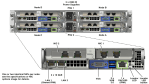
Before proceeding with the foundation, some of the keypoints need to be noted. I would recommend the flat unmanaged switch and connect all nodes shared network ports and laptop on the switch.
You can check the shared port information from hardware compatibility list.
https://portal.nutanix.com/page/documents/list?type=compatibilityList
incase if share port is not available we need to connect IPMI & ethernet ports from each node.

Select the hardware platform type, Provide CVM & IPMI Subnet and Gateway IP. Click Next to Proceed.

Provide each Node’s IPMI, HOSTIPs, CVM IPs and hostname and click Next.
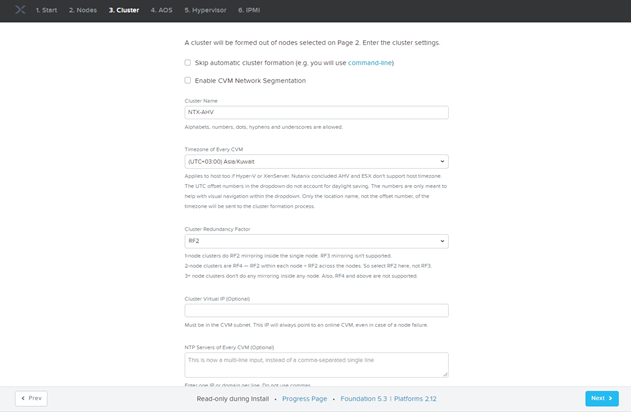
Provide Cluster Name, Specify Time Zone & CVM Memory and Click Next.

Provide AOS Bundle and Click Next
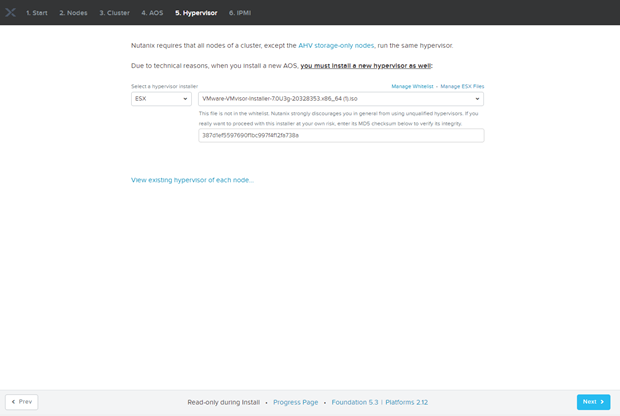
By default AHV is bundle within AOS Package, as I want to install VMware ESXI as hypervisor so we need to provide VMware ESXi ISO.
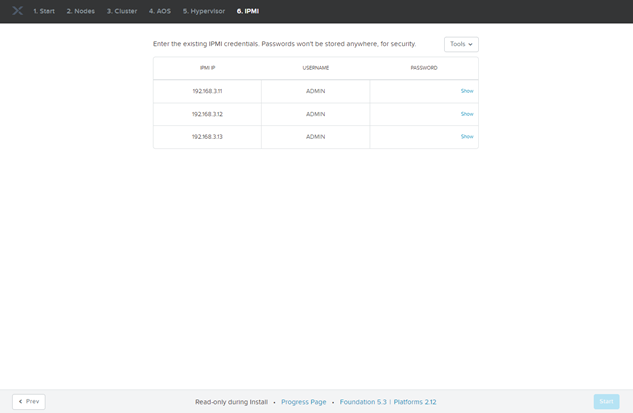
Provide IPMI Credentials and Click Next
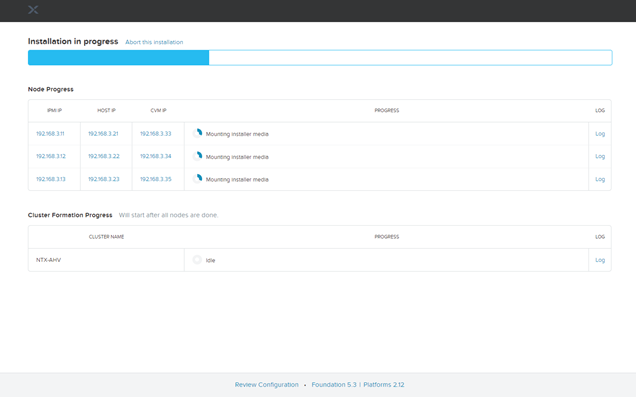
Foundation Process will take approx. 1hrs.
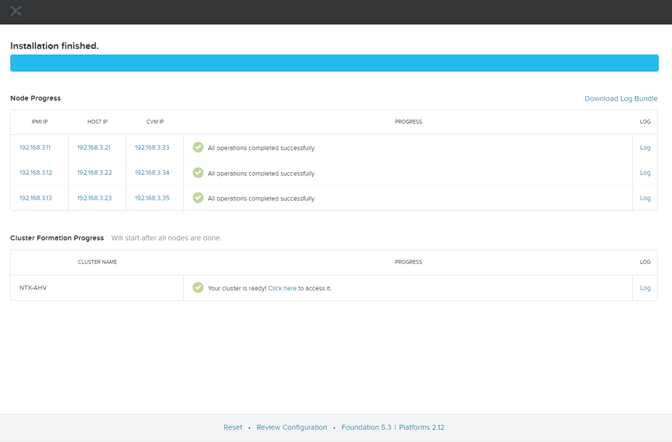
Foundation is finished. You can access the prism from any of the CVM IPs.
Default Credentials are as below:
| User | Password | |
| CVM | nutanix | nutanix/4u |
| Hypervisor | root | nutanix/4u |
| Prism | admin | Nutanix/4u |
| IPMI | ADMIN | Node Serial Number |
 The Hyperconverged Perspective