
I tried to login to VCenter Appliance Web interface after very long time, and notice unable to login on appliance and below error.
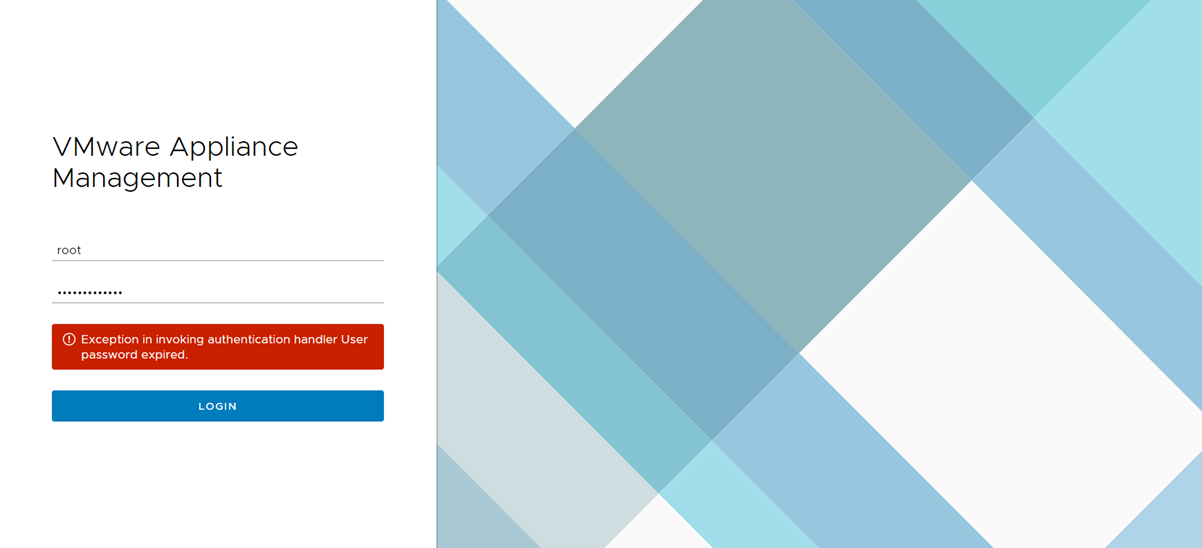
The quick fix for the error is log in to Appliance Console/SSH and goes to Shell and run the passwd command and provide the new password, then repeat the new password. Once password updated. You can login to web console.
 The Hyperconverged Perspective